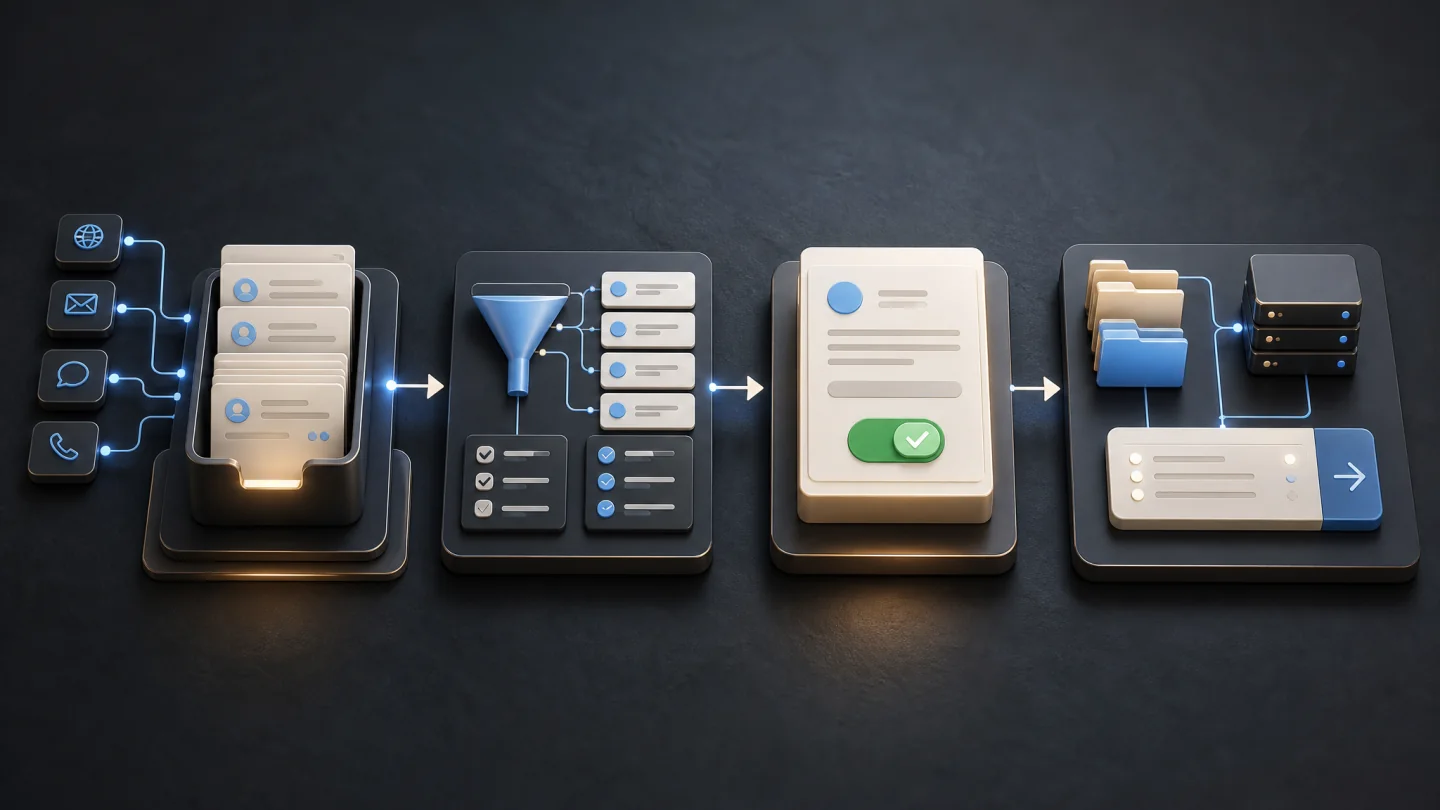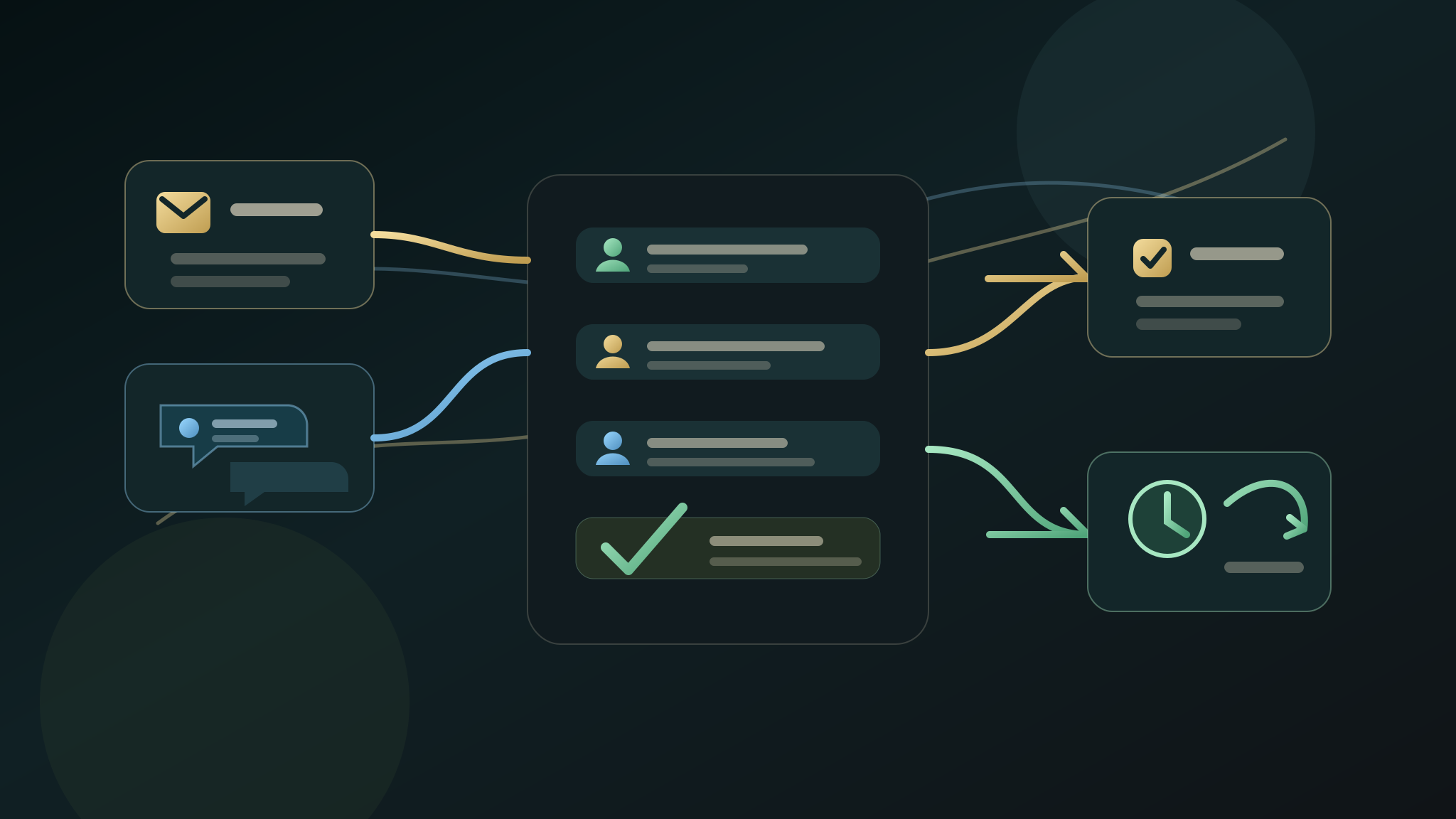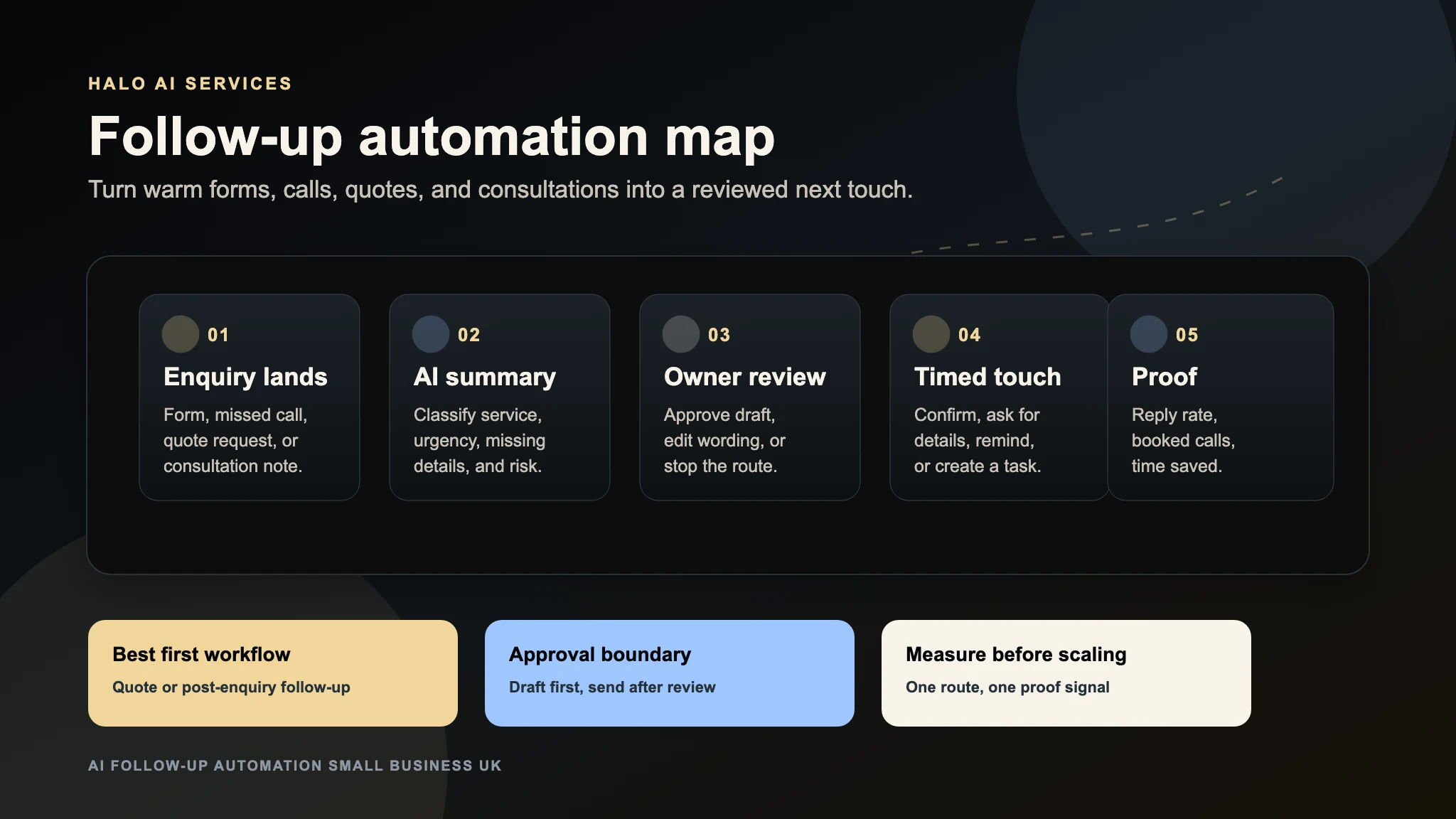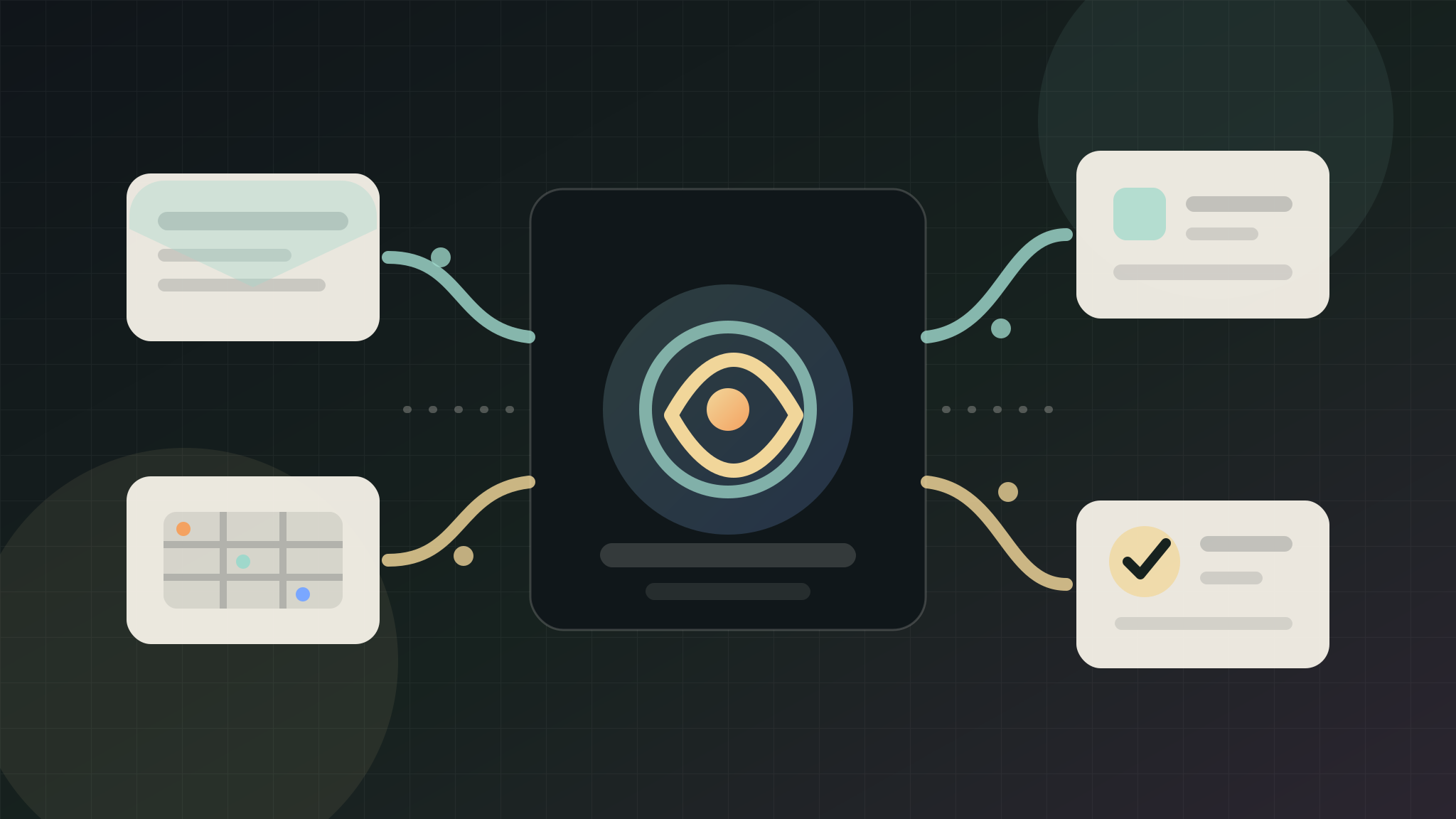
AI admin automation should remove repeated handoffs without giving software uncontrolled authority over the business. For a UK SME, the best first project is usually not a full operations rebuild. It is one narrow workflow where inbox messages, spreadsheet rows, forms, notes, or tasks are copied by hand every week.
The useful first step is to turn that repeated movement into a structured draft: what arrived, what it means, who owns the next action, what is missing, and what should stay behind human approval.
Quick Answer
AI admin automation for a small business should start with one repeated handoff, not the whole back office. A safe first workflow can summarise an inbox thread, structure a spreadsheet row, create an internal task, flag missing details, or draft a next-step note for review. It should not send customer messages, delete records, change live systems, or connect private accounts until the business has approved the route, reviewed sample output, and chosen the proof signal.
Where Admin Automation Usually Pays Off First
A useful non-CRM first slice is the supplier-invoice approval handoff. Invoices often arrive in a shared mailbox, are copied into a spreadsheet or finance tool, and then wait for the right person to approve them.
The first workflow should make that handoff visible without paying an invoice or changing financial records.
This route is useful because every extracted field can be checked against the source document and every approval can retain a named reviewer. It is an accounts-payable handoff, not a customer pipeline or sales-record workflow.
Choose One Handoff, Not Every Tool
Name one route from receipt to approval:
- An invoice arrives through the approved mailbox or upload route.
- The workflow extracts supplier, invoice number, date, purchase-order reference, totals, tax, and due date.
- It flags missing fields and possible duplicates without deciding that either is valid.
- It creates an approval task linked to the original document.
- A named person verifies the supplier, bank details, coding, totals, and approval authority.
- Posting or payment remains outside the first automation.
That is a bounded internal handoff with a clear source, destination, owner, and stop point.
Safe First Workflow
A first version can:
- Build a draft invoice summary.
- Flag a missing purchase-order or job reference.
- Compare supplier, invoice number, and amount with recent records.
- Route the draft to the correct budget owner.
- Record approved, rejected, queried, or duplicate-review status.
- Produce a weekly list of invoices waiting for action.
- Preserve the original document and reviewer decision.
Use redacted fixtures during design. AI may extract and summarise, but a person should verify every financially significant field.
Test ordinary invoices alongside credit notes, duplicate resends, missing purchase-order references, multi-page documents, currency mismatches, unreadable attachments, and notices of changed bank details. A bank-detail change should always leave the automated route and enter a separately verified supplier-control process.
Workflows To Avoid At The Start
Do not let the first workflow:
- Change supplier or bank details.
- Approve its own extraction.
- Merge or delete invoice records.
- Post directly to the ledger.
- Schedule or release payment.
- Resolve tax treatment or accounting exceptions.
- Bypass approval limits or separation of duties.
Measure arrival-to-approval time, missing-reference rate, confirmed duplicate flags, and manual rekeying for the same invoice class. Any unsafe update or unexplained discrepancy should stop expansion until reviewed.
The Approval Boundary
Treat extraction as a proposal, never as an accounting decision. The source invoice remains authoritative until a named reviewer confirms the fields and the approval route.
A safe boundary lets software read an approved source, prepare a summary, identify an exception, and open the correct review task. A person must confirm supplier identity, bank details, purchase-order coverage, tax treatment, nominal coding, totals, approval authority, and any downstream posting. The first release must not edit supplier masters, write to the ledger, or initiate payment.
Record who reviewed the draft, what changed, and which document supported the decision. If the source is unreadable or the rules conflict, route it to an exception queue instead of guessing.
What To Send Before An Audit
An invoice-handoff audit does not need mailbox credentials, banking access, accounting tokens, or a supplier-file export. It needs a safe description of one invoice class and the route it follows.
Useful inputs include:
- A synthetic or properly redacted invoice representing the usual layout.
- The approved intake channel and destination queue.
- Required fields, purchase-order rules, and duplicate-review criteria.
- The approval matrix, including value thresholds and substitutions.
- Common exceptions such as credit notes, currency differences, unreadable files, or missing references.
- The existing record of reviewer decisions and queue status, with personal data removed where possible.
- The safety event that must stop the trial immediately.
Start with fixtures, screenshots of empty states, and a written process. Keep real bank details, live supplier records, payment permissions, mailbox exports, and production credentials outside the discovery request.
Proof Signals For Admin Automation
Choose measures that expose both speed and financial-control risk:
- Median minutes from receipt to a review-ready draft.
- Percentage of required fields corrected by the reviewer.
- Missing purchase-order references identified before approval.
- Confirmed duplicates compared with false duplicate flags.
- Age and size of the unresolved exception queue.
- Manual rekeying removed for the same invoice class.
- Zero unauthorised supplier changes, ledger posts, approvals, or payments.
The last measure is a hard safety condition, not a performance target. Faster processing does not compensate for one unauthorised financial action.
Admin Automation vs CRM Automation
This supplier-invoice route concerns documents, approval authority, exceptions, and finance-system boundaries. CRM automation concerns contacts, organisations, opportunities, ownership, and sales activity.
If the problem is duplicate or misrouted leads, use the AI CRM automation guide. If invoices wait for manual extraction and approval, audit the back-office route here. The AI readiness scorecard can help compare priorities before either system is connected.
What Halo Looks For
Halo first maps the invoice class, source document, required fields, exception policy, approval matrix, destination, reconciliation step, and prohibited actions. The review asks whether every extracted value can be traced to a source region, whether confidence or missing data is visible, and whether the workflow can stop safely before any financial record changes.
The first deliverable may be a fixture pack, field dictionary, exception matrix, review-interface prototype, or source-ready plan. It should state exactly where human verification occurs and how the trial can be reversed.
What Happens After The First Workflow
Expand by invoice class and authority, not by connecting every finance tool:
- Stabilise one supplier layout and one approval queue.
- Add another representative layout without changing the decision boundary.
- Introduce credit-note or purchase-order exceptions as separate tested cases.
- Add a reconciliation report for reviewer decisions and unresolved items.
- Consider a draft accounting-system entry only after field accuracy, permissions, rollback, and separation of duties have independent acceptance evidence.
If corrections, false duplicate flags, or queue age rise, narrow the supported document set. Never answer poor extraction by granting the automation more authority.
FAQ
What is AI admin automation for a small business?
AI admin automation uses extraction, classification, routing, and review support to reduce repetitive back-office handling. In this guide, the first slice turns an approved invoice source into a traceable draft and approval task while leaving accounting decisions with people.
What admin task should a small business automate first?
Choose a frequent, rules-based task with reliable source evidence and a safe stop point. A single supplier-invoice class can be suitable when reviewers already know the required fields, exceptions, and approval limits.
Should AI approve or pay supplier invoices?
No. The first release should prepare review material only. Supplier verification, bank-detail changes, coding, tax treatment, approval, posting, and payment remain outside its authority.
Does admin automation need private account access?
Not for the first audit. Synthetic fixtures, properly redacted documents, an approval matrix, and a written exception route are enough to scope a trial. Live mailbox, finance-system, banking, and supplier-master access should wait for explicit security and operational approval.
How do you measure AI admin automation?
Measure review-ready time, field-correction rate, missing-reference detection, duplicate-flag precision, exception-queue age, and manual rekeying for the supported invoice class. Any unauthorised financial update is a stop condition.